

Callout
Callout highlights information that a reviewer must read even when skimming. Callouts can be used to share a note, tip, warning or danger.
How it looks
Section titled “How it looks”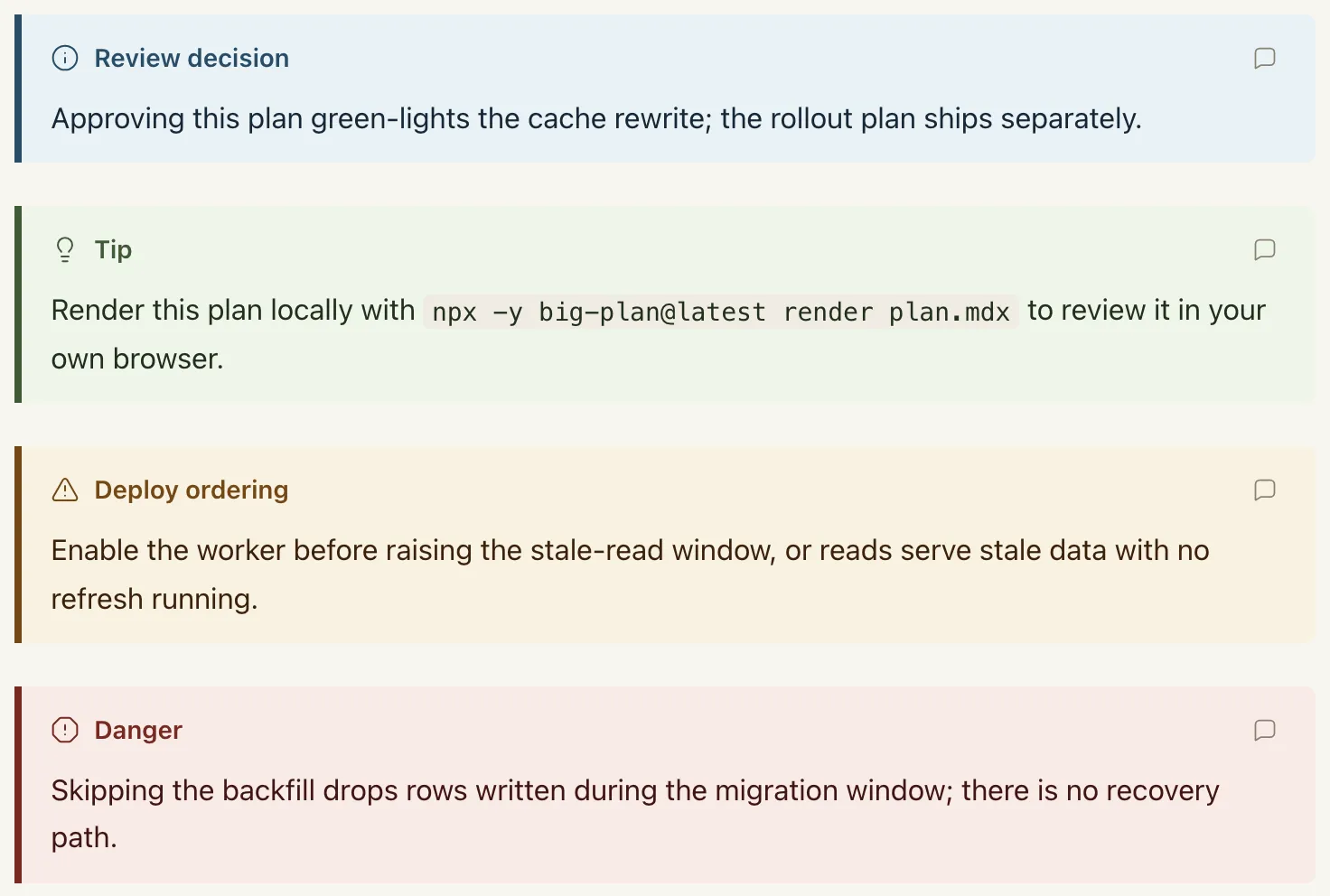
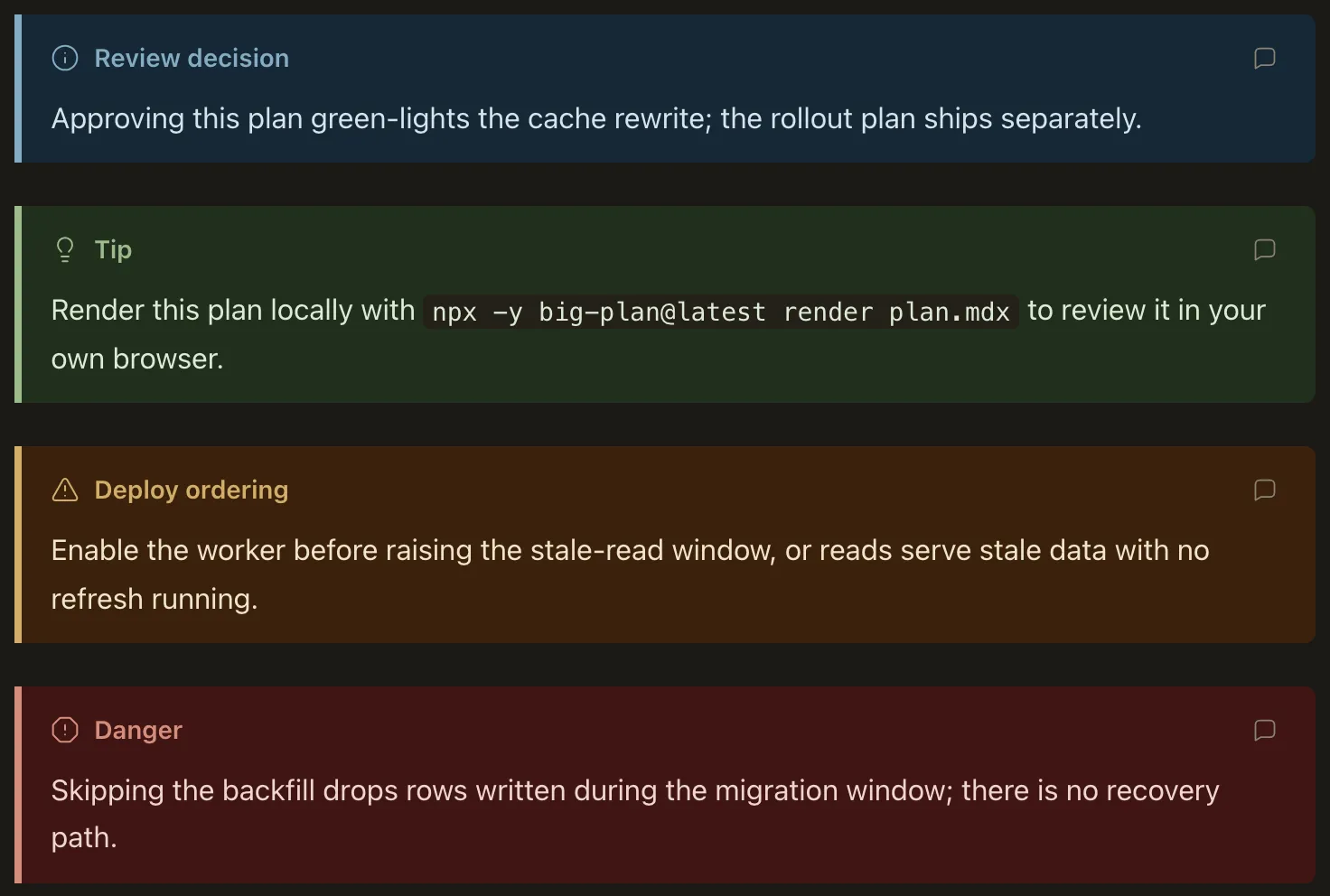
When to use it
Section titled “When to use it”See the types for guidance on when to use the Callout.
When not to use it
Section titled “When not to use it”Do not use a Callout for ordinary supporting detail that does not need to interrupt a skim. Overusing callouts makes the truly important information harder to spot.
Use cases
Section titled “Use cases”There are countless use cases of when it’s worth calling out information to a user, but here are some concrete ones:
- Warn a user about data-loss dangers
- Call out important sequencing
<Callout type="warning" title="Deploy ordering">
Enable the worker before stale reads.
</Callout>
Authoring
Section titled “Authoring”Attributes
Section titled “Attributes”| Attribute | Type | Required | Behavior |
|---|---|---|---|
type |
"note" | "tip" | "warning" | "danger" |
Yes | Selects the accent palette, the icon, and the default title. |
title |
string | No | Header text; defaults to Note, Tip, Warning, or Danger by type. |
Any other attribute is a positional authoring error.
Children
Section titled “Children”Children are ordinary Markdown and keep every pipeline behavior: headings receive anchors, fenced code keeps syntax highlighting, and tables keep their scroll containers. Level-two headings inside a callout still join the document’s table of contents.
| Type | Icon | Intended use |
|---|---|---|
note |
info | A relevant aside. |
tip |
lightbulb | Information that may be of use. |
warning |
triangle-alert | Something that will go wrong if ignored. |
danger |
octagon-alert | Irreversible or destructive consequences. |