

QuickSummary
QuickSummary opens a plan with the few points a reviewer must know, rendered as a labeled card that stands apart from body prose.
Its caps are the point: a summary that cannot grow cannot become an aggregation of the whole plan.
How it looks
Section titled “How it looks”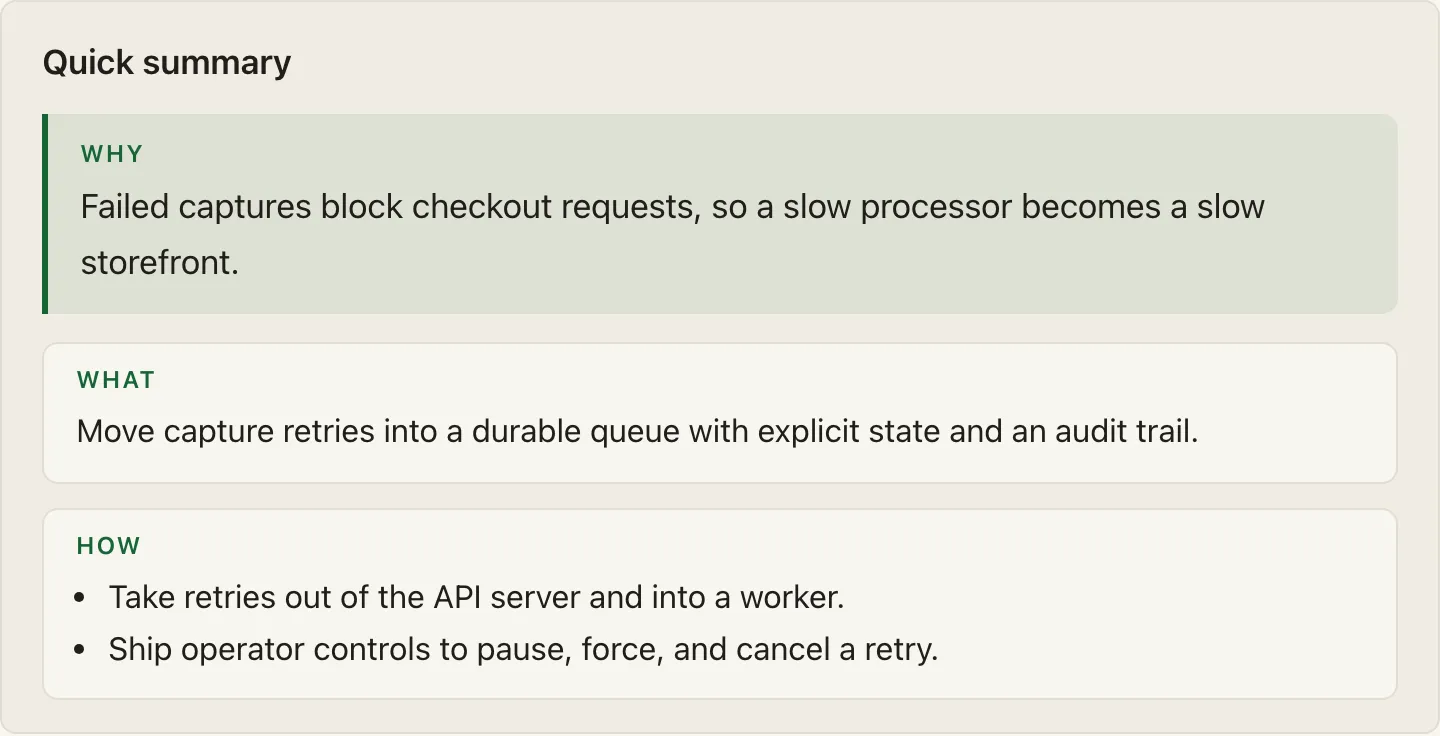
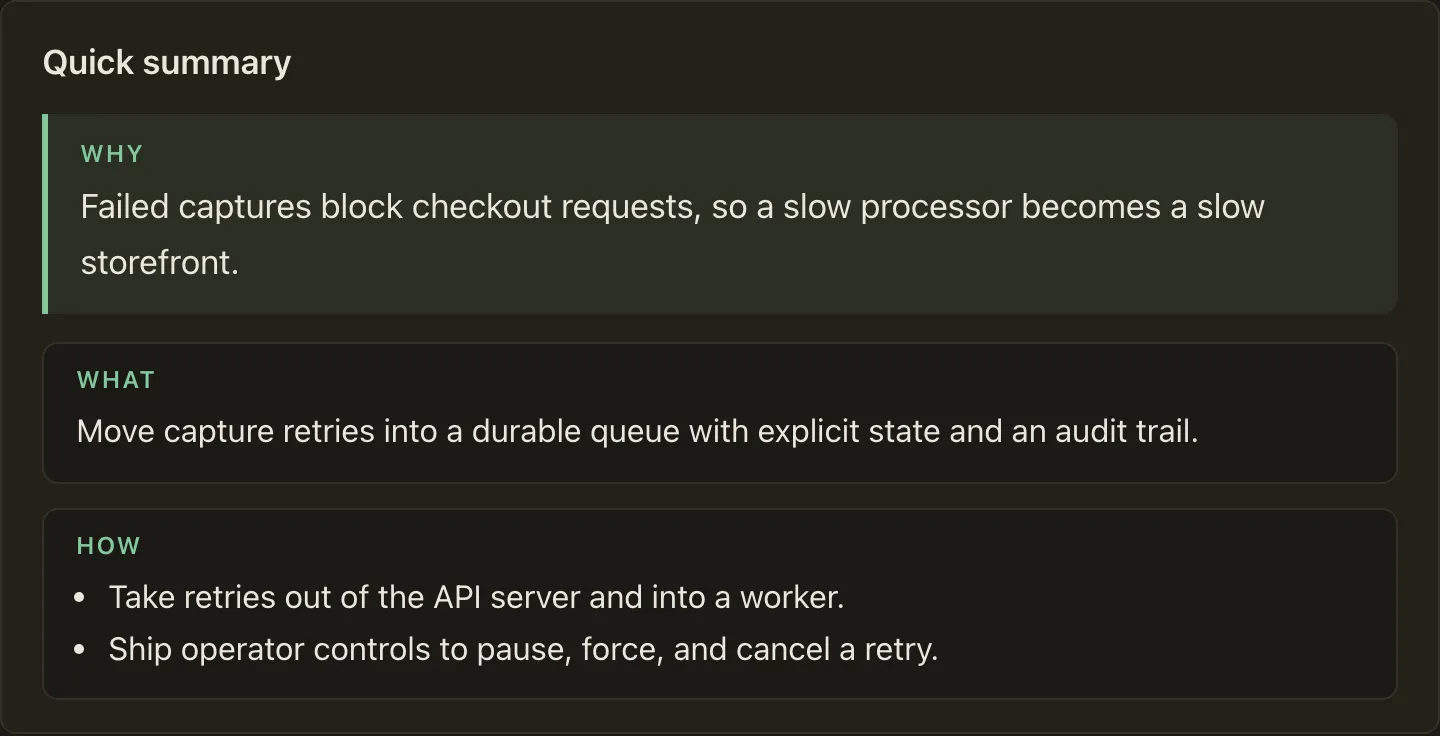
When to use it
Section titled “When to use it”Place one QuickSummary directly after the plan’s lede, before any section.
A reader who stops after it should know what will change, how it will work, which decisions the plan needs from them, and the biggest risk.
When not to use it
Section titled “When not to use it”Do not use it anywhere but the top of the document, and never as a section recap. If a point only matters to readers of one section, it belongs in that section.
Compared with
Section titled “Compared with”Callout— reach for it for one thing a skimming reviewer must not miss anywhere in the plan.QuickSummaryis the opening card, and there is exactly one per plan.
Authoring
Section titled “Authoring”The body holds Why, What, and How facet sections; the card renders Why as an accent hero band above What and How cards:
<QuickSummary>
<Why>
- For checkout to stay fast, failed captures must retry without blocking requests.
</Why>
<What>
- Build a persistent retry queue with explicit state and an audit trail.
</What>
<How>
- Move capture retries out of the API server and into a queue worker.- Ship operator controls to pause, force, and cancel retries.
</How>
</QuickSummary>
The contract
Section titled “The contract”WhyandWhatare required;Howis optional; each at most once, in that order.- Each facet’s body is exactly one bullet list: one bullet for
WhyandWhat, at most 3 forHow; prose, headings, and other components are rejected. - At most 450 characters of readable text across all facets, counted after collapsing whitespace and including inline code and emphasis.
- At most one
QuickSummaryper document, enforced by thequick-summary-singletonlinting rule. - No attributes on the component or its facets.
Each violation fails validate and render with a positional diagnostic.
Run big-plan guidance QuickSummary for judgment-level usage guidance.