

Decision
Decision asks one lightweight question and ends with a confirmed answer. It renders distinct
option rows, each carrying its own verdict-lined considerations.
How it looks
Section titled “How it looks”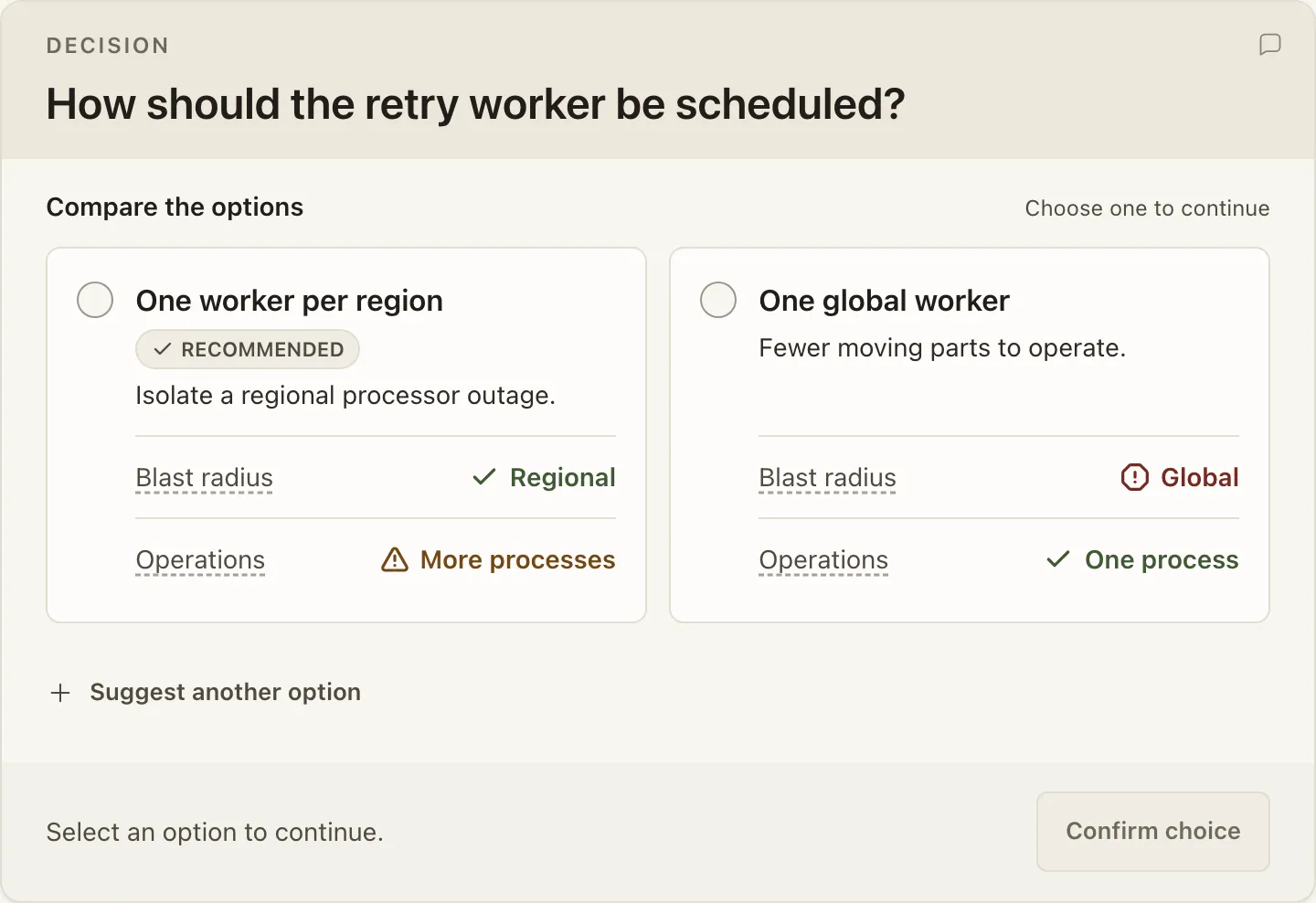
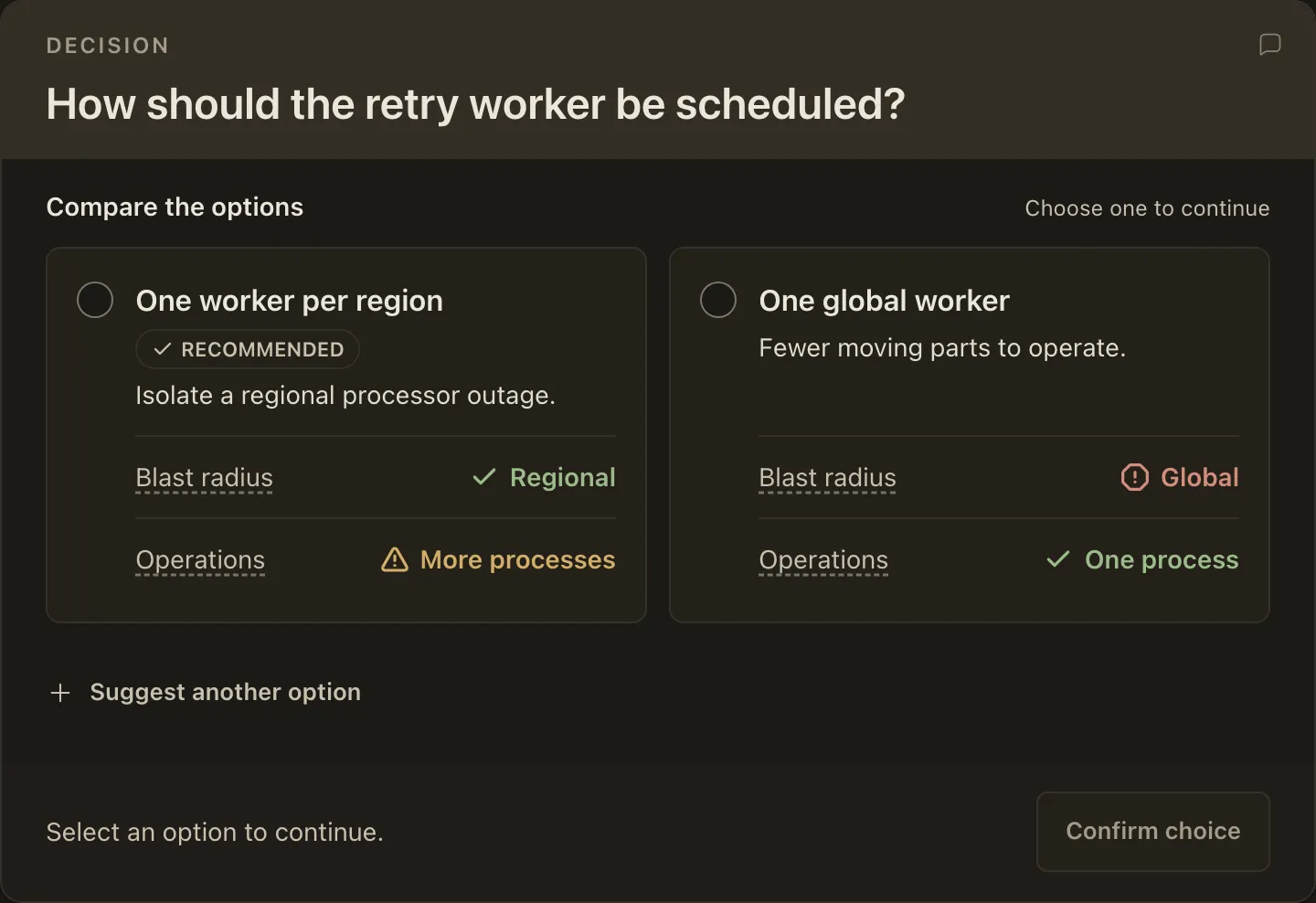
When to use it
Section titled “When to use it”Use it for one tradeoff the reviewer reads option by option, where a short summary and a few
option-local Consideration values carry the comparison.
Mark it critical when the reviewer must settle the question before work begins. The card says
so, and the review’s Inputs list marks it.
When not to use it
Section titled “When not to use it”Do not use it for a question the reviewer can answer without comparing anything, and do not use it when the choice is weighty enough that the reviewer should audit explicit criteria.
Compared with
Section titled “Compared with”QuickDecision— reach for it when the options need no comparison to answer. Repeat it for a batch of small, independent calls.DecisionAnalysis— reach for it when the reviewer should audit the choice across explicit criteria, or check weighted arithmetic.
<Decision question="How should the retry worker be scheduled?">
<Option title="One worker per region" recommended summary="Isolate a regional outage.">
<Consideration label="Blast radius" verdict="Regional" tone="good">
One region's backlog cannot stall another region's captures.
</Consideration>
</Option>
<Option title="One global worker" summary="Fewer moving parts to operate.">
<Consideration label="Blast radius" verdict="Global" tone="bad">
One stuck payment delays every region's queue behind it.
</Consideration>
</Option>
</Decision>
A Consideration body is flow-level content, so it sits on its own lines with blank lines
around it. Writing the body inline on the same line as its tags is text-level JSX and is
rejected.
Authoring
Section titled “Authoring”Attributes
Section titled “Attributes”| Attribute | Type | Required | Behavior |
|---|---|---|---|
question |
string | Yes | The question the card asks. |
state |
"proposed" | "decided" |
No | Defaults to proposed. A decided decision renders as the record of what was chosen. |
critical |
bare boolean | No | Marks the question as one the reviewer must settle before work begins. |
Children
Section titled “Children”Option is valid directly in Decision; Consideration is valid directly in an Option.
| Element | Attributes |
|---|---|
Option |
title (required), summary, recommended, chosen |
Consideration |
label and verdict (required), tone of good, bad, mixed, or neutral |
Add at least two uniquely titled options and at most one recommended option.
An Option takes no body of its own; use summary.
A Consideration body defines its label: the first body authored for a label becomes the
definition that label reveals on hover and keyboard focus. A label authored without a body stays
plain text.
Answering it
Section titled “Answering it”The reader can choose an option, propose another approach, confirm, and later change or clear the answer. In a live review a confirmed answer is recorded with the review and survives reload; in a standalone rendered document it lasts only for the reading session.
A decided decision marks exactly one option chosen, and a chosen option requires
state="decided". Author that pair yourself only for a choice that was settled before the
review began — when the reviewer answers the question, Big Plan writes both attributes into the
plan source at approval.
Answer the plan’s decisions owns the recorded-answer behaviour.