

FileTreeDiff
FileTreeDiff renders a file hierarchy where each entry can carry a change status - added, modified, removed, or renamed - so a reviewer sees the shape of a change across the tree.
It derives the complete transition from one authored change tree.
With the viewer script active, a pressed-state segmented control switches between combined and side-by-side before/after views and remembers the choice for this exact plan revision.
With scripts disabled, the complete combined tree remains readable and no dormant control appears.
How it looks
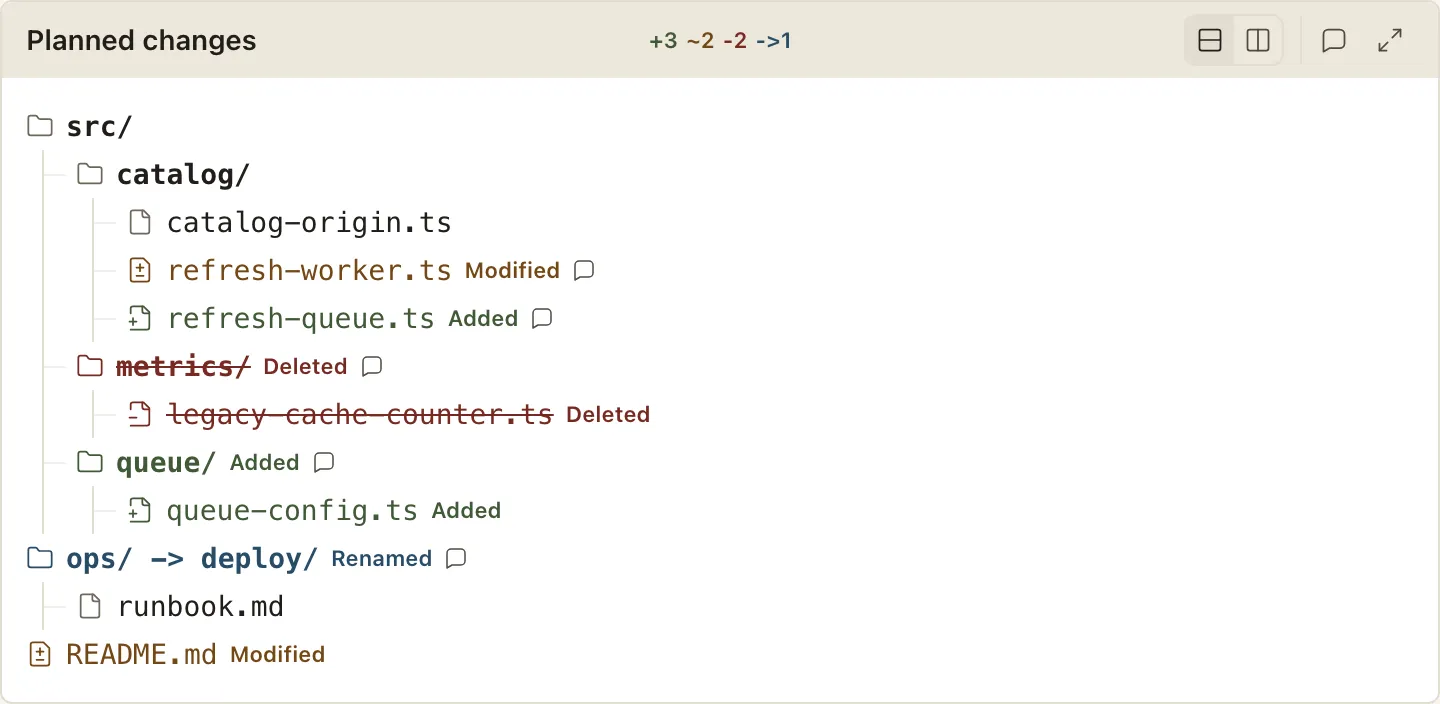
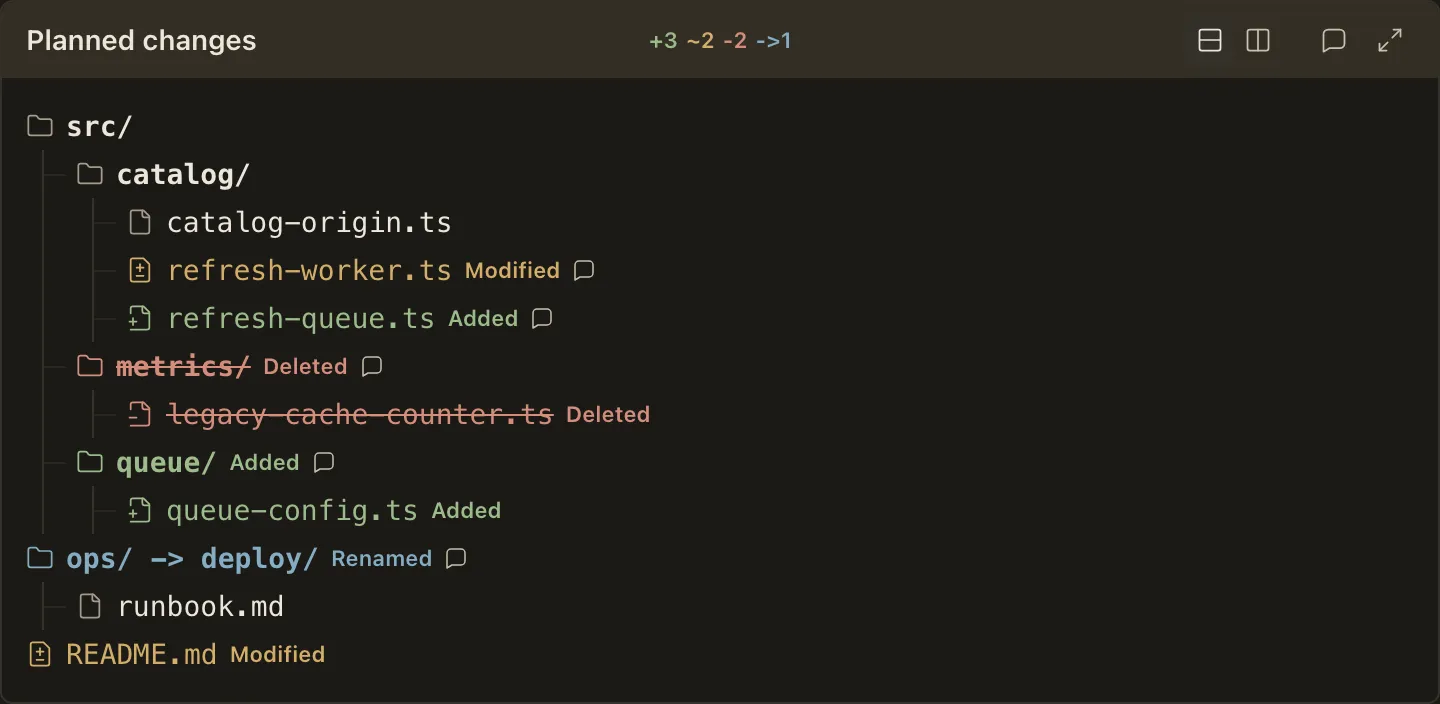
Section titled “How it looks”The combined change tree is the default view:
When to use it
Section titled “When to use it”Use FileTreeDiff to show which files a plan touches and how: the additions, modifications, deletions, and renames, in their real directory structure, before any code is written.
When not to use it
Section titled “When not to use it”- A structure that does not change - a plain hierarchy is
FileTree’s job, and aFileTreeDiffwith no change status is rejected - The contents of one edit - showing the changed lines is
CodeDiff’s job
Compared with
Section titled “Compared with”FileTree— reach for it for a layout with no change status.FileTreeDiffrejects a tree carrying no change at all and points you there.
Use cases
Section titled “Use cases”- Summarize the file-level footprint of a plan at a glance
- Confirm a rename lands where intended by reading its old and new names together
<FileTreeDiff title="Planned changes">
```treesrc/  catalog/    refresh-worker.ts [modified]    refresh-queue.ts [added] - Deduplicate refresh jobs by cache key.  metrics/    legacy-cache-counter.ts [removed] - Replace the ambiguous cache counter.config/  catalog-worker.env -> catalog-cache-worker.env [renamed] - Rename the worker config.README.md [modified] - Document the stale-while-revalidate path.```
</FileTreeDiff>
Authoring
Section titled “Authoring”Attributes
Section titled “Attributes”| Attribute | Type | Required | Behavior |
|---|---|---|---|
title |
string (non-empty) | No | Header caption; when omitted, the change summary remains. |
hideDiff |
bare boolean | No | Makes the alternate after pane plain rather than change-highlighted; the no-script document still opens in combined view. |
Any other attribute is a positional authoring error.
Children
Section titled “Children”The component takes exactly one fenced code block with the tree language, and nothing else.
It must carry at least one change status; a tree with none is rejected with a pointer to FileTree.
Tree grammar
Section titled “Tree grammar”FileTreeDiff uses the same indentation, directory, and note grammar as FileTree, plus change syntax:
- Append a status in brackets after the name:
[added],[modified],[removed], or[renamed]. - Statuses and renames apply to directories too; a rename must keep the entry a file or keep it a directory, and a removed directory lists its removed children beneath it.
- To show both names for a rename, write
old -> new [renamed]; both sides must stay files or stay directories, and the arrow only pairs with[renamed].
Each changed entry tints its name in the change color and spells out Added, Modified, Deleted, or Renamed at the row’s edge; changed files also replace the plain file glyph with a status icon, and deleted names are struck through.
A note on an entry renders as a comment hint rather than inline text, keeping rows status-first; hovering, focusing, or tapping the hint opens the note beside it immediately, and the hint stays a real disclosure that opens in place when scripts are unavailable.
Every violation - an unknown badge, a rename without its [renamed] badge, or a tree with no change at all - reports a positional diagnostic.
Combined view
Section titled “Combined view”The combined tree keeps additions, modifications, removals, and renames in one fully expanded hierarchy. Renames show both names, deleted entries remain struck-through tombstones, and compact colored counts in the header summarize the whole change.
Side-by-side view
Section titled “Side-by-side view”The side-by-side view derives before and after hierarchies from the same authored tree. It separates removals from additions while preserving directory context, so reviewers can compare the resulting project shape without maintaining two sources.