

TableOfContents
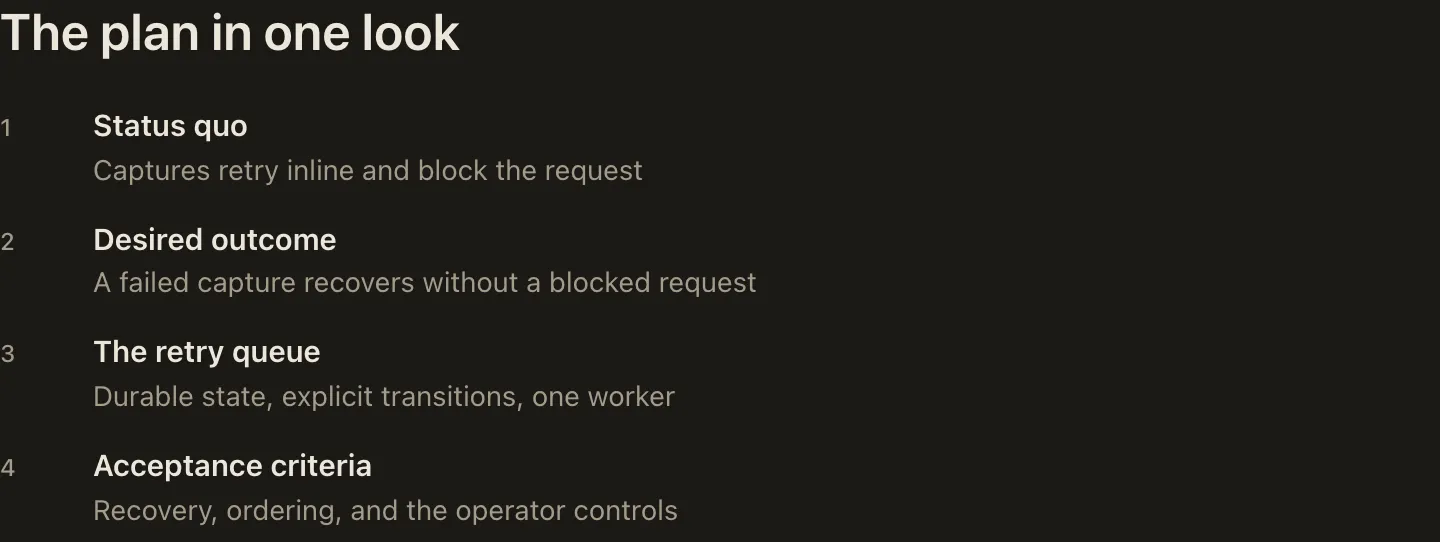
TableOfContents shows the whole argument before the reader commits to any of it: one row per section, each row a link carrying the section name and its one-line gist.
Big Plan completes the overview at render time with slide numbers, section links, and group headers derived from the plan’s Part dividers, so the author writes only the entries.
How it looks
Section titled “How it looks”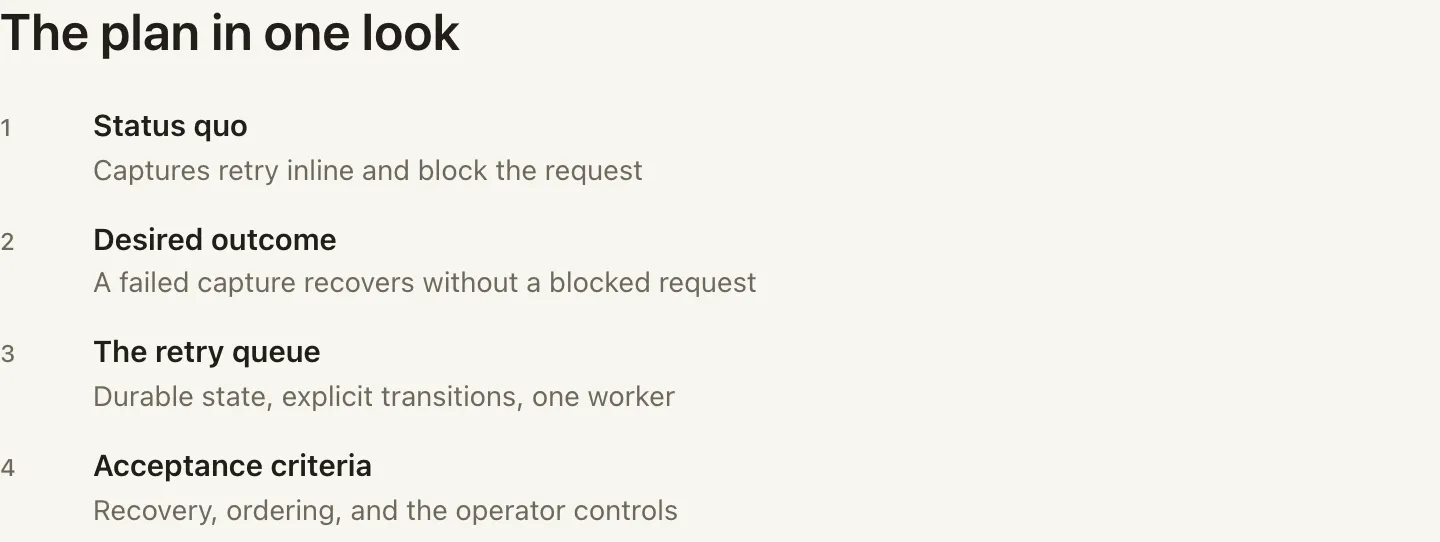
When to use it
Section titled “When to use it”Place one TableOfContents directly after the QuickSummary, before the first Part or section.
Skip it only in a very short plan whose sidebar navigation already tells the whole story.
When not to use it
Section titled “When not to use it”Do not use it in a very short plan whose sidebar navigation already tells the whole story, and never let a gist become a topic label instead of a takeaway.
Authoring
Section titled “Authoring”<TableOfContents><Entry section="Status quo" gist="Inline retries couple checkout latency to processor health" /><Entry section="Success looks like" gist="A restart never loses a scheduled retry" /><Entry section="The retry queue" gist="A queue worker with explicit state and bounded backoff" /></TableOfContents>The contract
Section titled “The contract”- At least one self-closing
Entry, each with required non-emptysectionandgistattributes; loose body content is rejected. sectionmust repeat each section’s overview form exactly, in order, one to one: the catalog name for most typed Slide instances, a user journey’s ultra-concisetocattribute, or the h2 title for an untyped slide. Thetable-of-contents-matches-sectionslinting rule enforces the match.- No attributes on
TableOfContentsitself.
Each violation fails validate and render with a positional diagnostic.
Run big-plan guidance TableOfContents for judgment-level usage guidance.